Hướng dẫn cài đặt theme bất kì cho blogspot

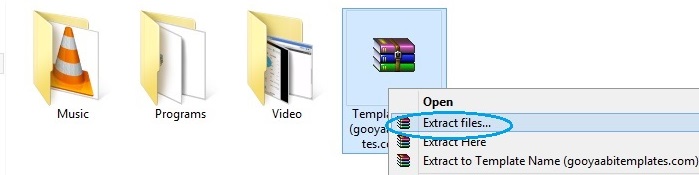
Step-2: Giải nén thư mục vừa tải về.
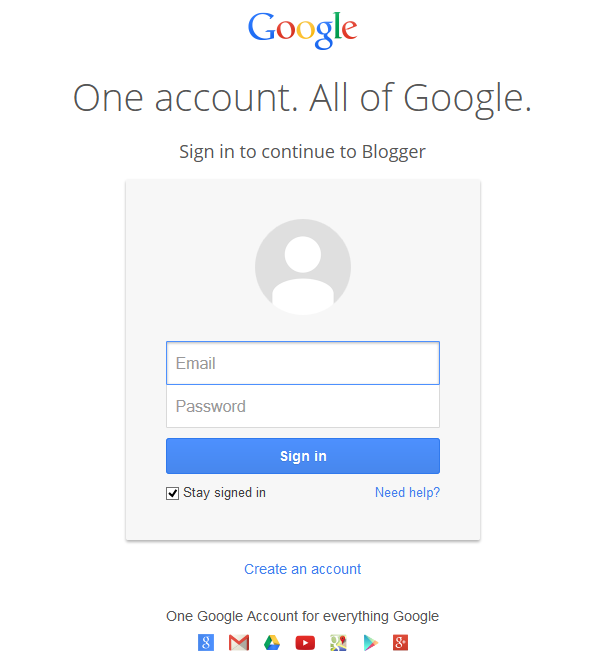
Step-3: Đăng nhập Blogger dashboard
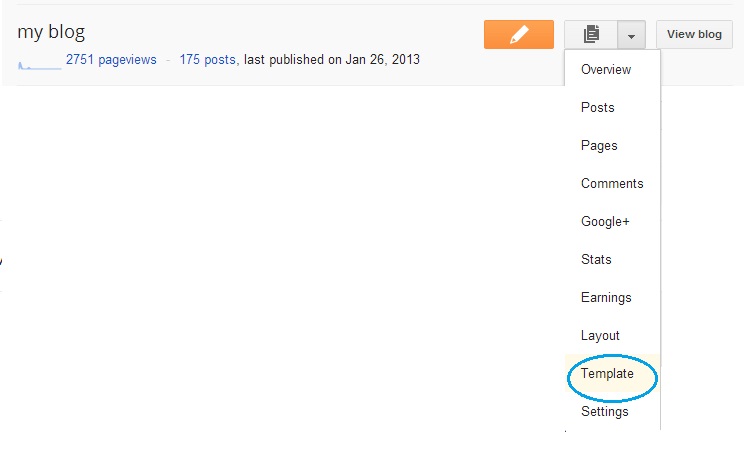
Step-4: Tìm Blog của bạn trong Bảng điều khiển của bạn khi bạn muốn thay đổi mẫu, và chọn "Mẫu" trong tùy chọn trình đơn thả xuống.
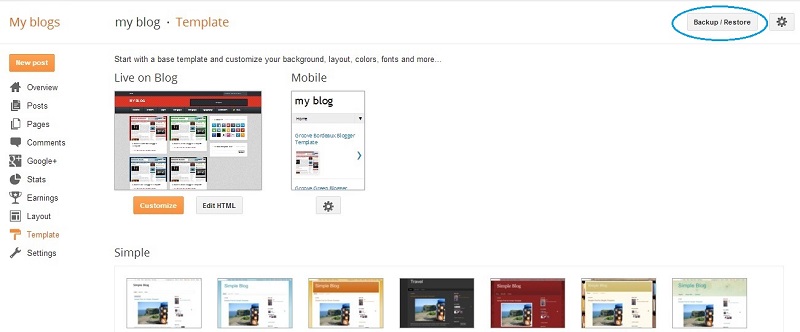
Step-5: Look at the top right corner, you will see Backup / Restore button
Step-6
Before doing this, Please backup your
previous template because, if you have any problem after uploading the
new template, the backup file will help you for restore. Please Read the
post about Backup and Restore in Blogger.
Manage on pop-up windows and click
“choose file” button and look for folder that is created after extracted
file that you have downloaded.
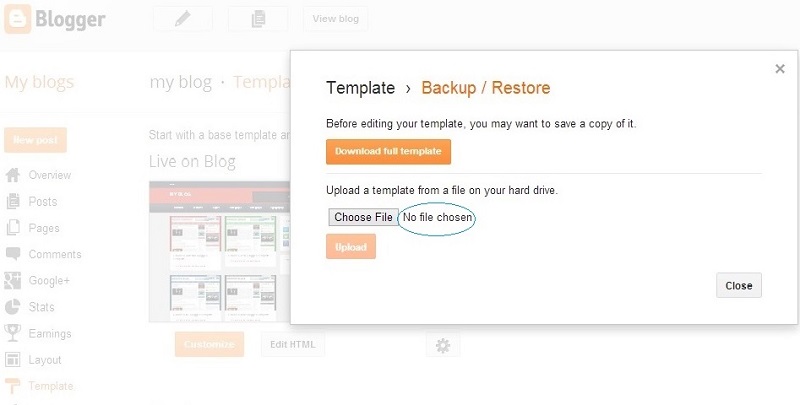
Step-7
Folder may has a .XML file and .TXT file or Internet shortcuts, you should select only XML file.
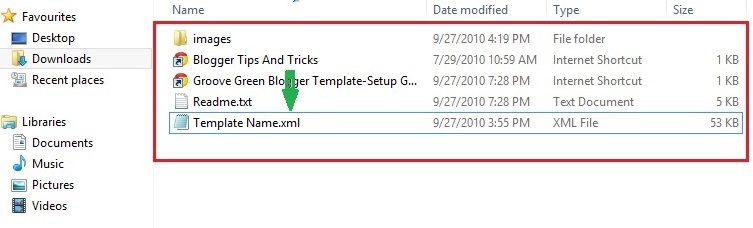
Step-8
Click Upload button. Now upload process may appear in your screen.
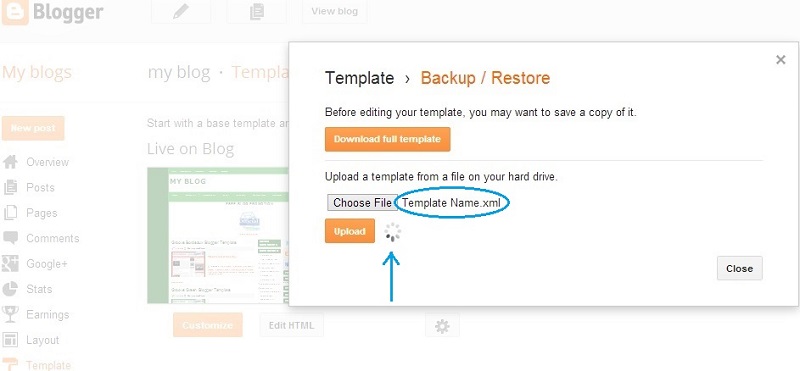
Now the template will be appear in your blog successfully. Enjoy!
Hướng dẫn cài đặt theme bất kì cho blogspot
![]() Reviewed by Kẻ Lang Thang
on
11/29/2016 12:53:00 AM
Rating:
Reviewed by Kẻ Lang Thang
on
11/29/2016 12:53:00 AM
Rating:
No comments: